Frequently asked questions
Proctoring, privacy, installation and licensing: the questions institutions, teachers and students ask us most.
General
What is Examo?
Examo is a remote exam proctoring solution for colleges and universities, built by LS2 Innovation. It is a native Windows and macOS application that locks down and records an exam, whatever tool the teacher used to build it, and submits every incident to human review.
Does Examo replace Moodle or our exam tool?
No. Examo has no exam editor of its own. Teachers keep building exams in Moodle (quizzes and question banks), in Word, Excel or PDF documents, or in an external exam application, and Examo frames and records them.
Which proctoring modes does Examo offer?
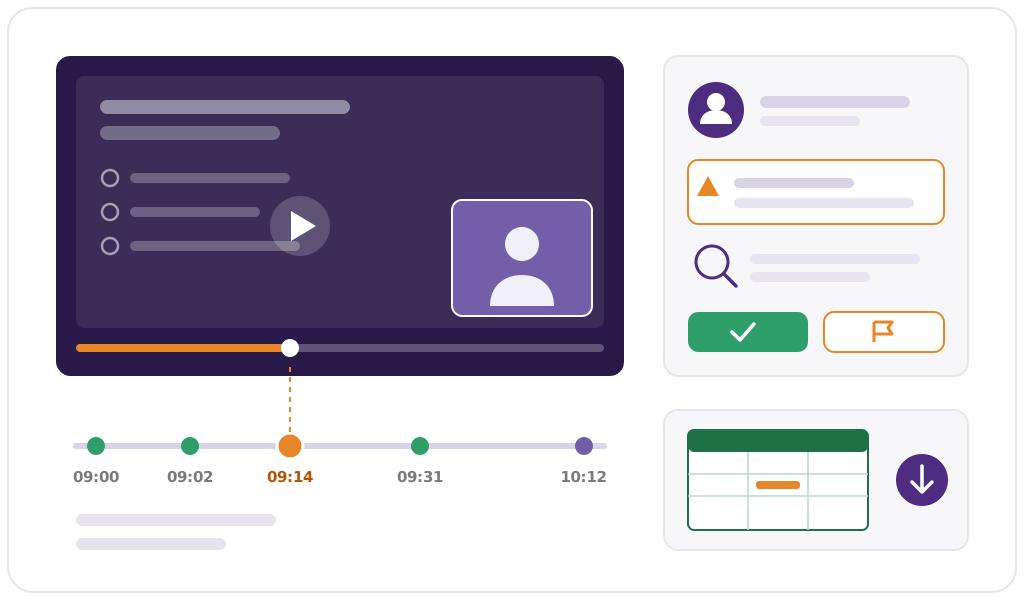
Live proctoring of camera and screen streams, continuous recording for later review (camera, microphone, every screen, keyboard and mouse), and automated detection of risk events such as unauthorized applications, websites or AI tools, loss of focus and window or screen changes. They can be combined.
Does Examo use artificial intelligence?
No. Examo contains no feature based on artificial intelligence: no facial recognition, no automated behaviour analysis and no biometric data. Detections are rule-based and every one of them is reviewed by a person. There is no automatic decision or sanction.
Can students use ChatGPT or other AI tools during an exam?
Not by default. AI websites such as ChatGPT, Copilot and Gemini, installed AI applications and AI browser extensions are blocked like any other unauthorized resource. The block is set per exam or per security profile, so a teacher can allow specific tools when the exam permits them.
Students
Do students need to install anything?
Yes, the Examo application. The student receives a link to the exam; one click installs Examo if needed and opens the exam session. No administrator rights are required, so it works on personal computers and managed campus workstations alike.
Does Examo work on a Mac?
Yes. Examo runs on Windows 10 and 11 and on the macOS versions currently supported by Apple.
What happens if a student's internet connection drops?
The exam and the recording continue on the student's computer and synchronize automatically when the connection returns. The student can continue or resume where they were, and the proctor can extend their time. Recordings are sent in one-minute segments, so no continuous high-speed connection is needed.
How are accommodations handled?
Accommodations are set per student: extra time, authorized breaks, special conditions and authorized tools. Assistive technologies such as screen readers, text-to-speech and writing-support software are not blocked by the exam lockdown when they are authorized for the student.
How is the student's identity verified?
Students sign in with their institutional Microsoft 365 account. The proctor or teacher validates attendance in a waiting room before launching the exam and, for remote exams, confirms identity visually from the camera feed. There is no automated facial recognition. If sign-in fails, the proctor can generate a one-time access code.
Privacy & security
What data does Examo collect?
Depending on the exam's configuration: the student's video and audio, recordings of every screen, keyboard and mouse interactions, a timestamped event log, and the exam, group and student data synchronized from the student information system. No biometric data is collected. Each type of capture can be switched off per security profile or per exam.
Where is the data hosted?
In Canada: in Microsoft Azure's Canadian regions and in the institution's own Microsoft 365 environment (Teams and SharePoint). Microsoft, as the hosting provider, is the only subprocessor.
How long are recordings kept?
As long as the institution decides, up to seven years. Records are deleted automatically when the retention period ends, and can be deleted on request before that.
Is Examo compliant with Quebec's Law 25?
Examo is designed for it: data hosted in Canada, collection limited to what each exam needs, configurable retention, complete access logging, and a confidentiality incident process that complies with Law 25, with notice to the institution without delay. We support institutions in their privacy impact assessment (EFVP).
Is our data used to train AI models?
No. The data belongs to the institution and is used only to provide the service. It is never used to train artificial intelligence models and never shared with third parties.
Deployment & licensing
Which systems does Examo integrate with?
Moodle (a Require the Examo app option in the quiz), Microsoft Teams (an Exams tab), Outlook (a Take the exam link in the calendar event), Microsoft 365 single sign-on and storage, student information systems (automatic synchronization of exams, groups and students), and external exam applications reached by URL with single sign-on.
How many exams can run at the same time?
There is no cap on the number of exams, students or simultaneous exams, or on the length of a session.
How is Examo licensed?
Examo is licensed annually per institution, with tiers based on the number of students. The licence does not limit the number of exams, simultaneous exams or session length, and includes a bank of support hours for deployment, training and integrating exams on teachers' behalf. Additional hour banks can be added.
Can LS2 set up an exam for a teacher?
Yes. Teachers can configure their exams on their own, but the LS2 team can also integrate an exam on a teacher's behalf, using the hours bank included in the licence or an additional one.
What training and support do you provide?
Online training sessions on Microsoft Teams for teachers, proctors and administrators, with written guides. Support is available Monday to Friday, 9 a.m. to 5 p.m. Eastern time, by email and Microsoft Teams.
A question we didn't answer?
Ask us directly, or see the answers live in a 30-minute demo.
Book a Demo Contact us