Live proctoring
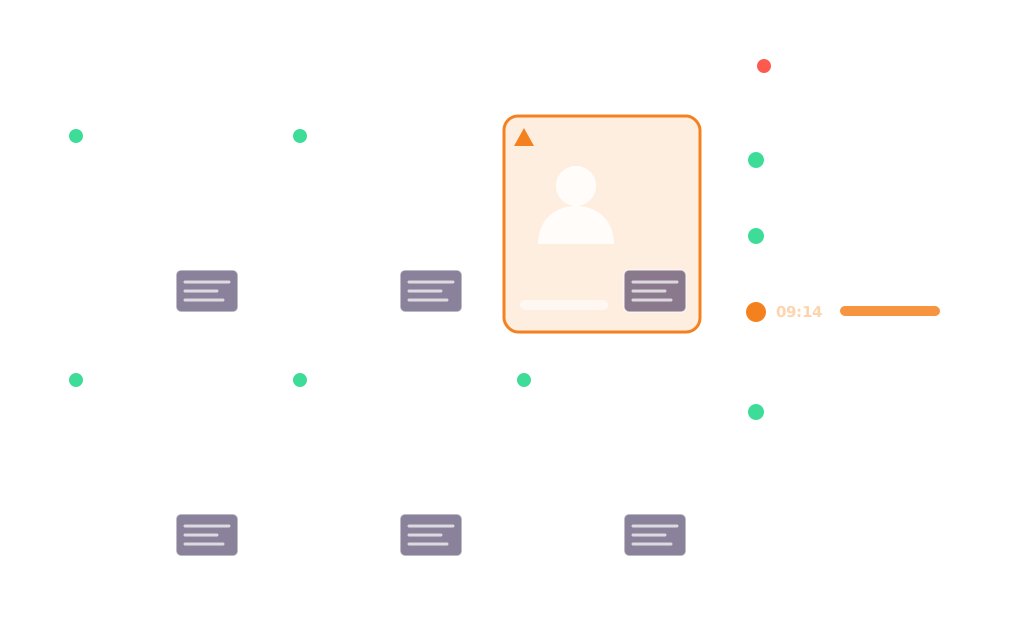
The proctor views each student's camera and screen streams during the exam and can step in to assist.
Examo verifies who is taking the exam, enforces each exam's rules on the student's computer, and records what happens. Then it hands the evidence to a person.
Proctoring modes
The proctor views each student's camera and screen streams during the exam and can step in to assist.
Video and audio of the student, every connected screen (multi-monitor included), and keyboard and mouse interactions, for the whole exam.
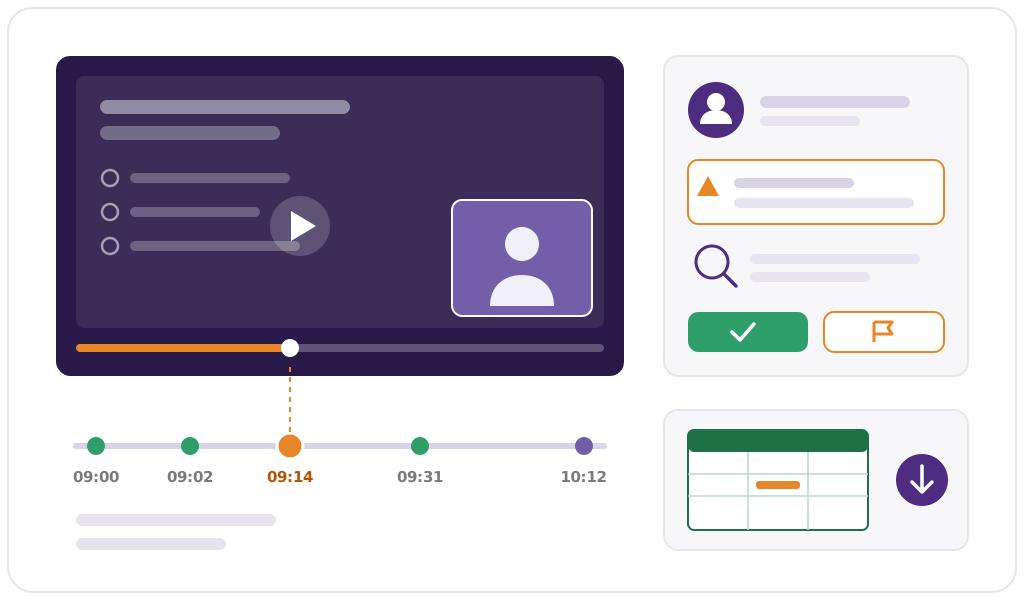
Unauthorized applications, websites and AI tools, loss of focus on the exam window, and window or screen changes, each timestamped.
Recordings are sent in one-minute segments during the exam. If the connection is weak or drops, the exam and the recording carry on locally and synchronize automatically, by the end of the exam or afterwards. No continuous high-speed connection is required.
Identity & access
Identity is confirmed by people, using accounts your institution already manages. No face is ever turned into a template.
Students sign in with their institutional Microsoft 365 account. Single sign-on is mandatory, and there is no new account to create.
The proctor or teacher validates attendance before launching the exam, with workstations and students pre-validated.
For remote exams, the proctor confirms the student's identity from the camera feed, without automated facial recognition.
If sign-in fails, the proctor can generate a unique access code so the student can still start on time.
Lockdown
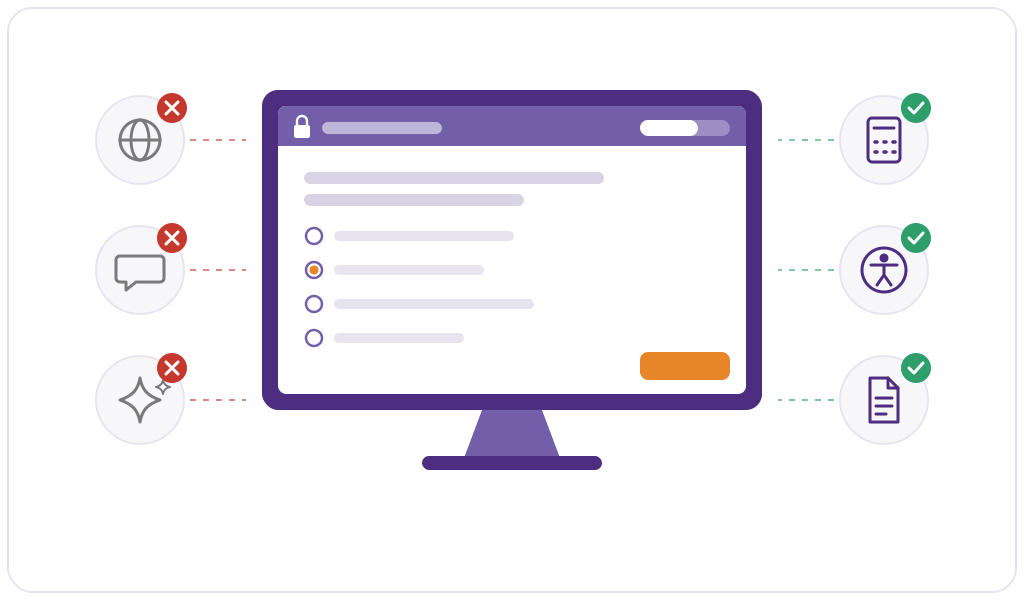
Examo locks down the exam environment, applications and services included, and watches the processes running on the computer.
Per-exam rules
An open-book exam, a lab with a spreadsheet, a closed essay: the same tool adapts to each one.
| Setting | What it controls |
|---|---|
| Exam tool | Moodle quiz or exam, Word, Excel or PDF document, or the URL of an external exam application. |
| Timing | Access window, duration and buffer period; individual time extensions by the proctor. |
| Captures | Camera, microphone, screen, and keyboard and mouse, each enabled or disabled. |
| Permitted resources | Applications, websites, documents and, when allowed, AI tools that stay available during the exam. |
| Security profiles | Ready-to-use profiles, rules set centrally by the institution, and reusable templates. |
| Accommodations | Per student: extra time, breaks, special conditions and authorized tools, assistive technology included. |
Incidents
Examo detects and logs. People decide. Every incident is submitted to the teacher's judgement, with the evidence attached.
No artificial intelligence
Examo contains no feature based on artificial intelligence. There is nothing to audit, tune or switch off, because it isn't there.
Our 30-minute demo includes a live proctored session, an incident and the report that documents it.
Book a Demo