
Accessibility & accommodations

A proctored exam should be just as fair for a student with a disability, on campus or at home. Examo applies each student's accommodations and keeps their tools working under lockdown.
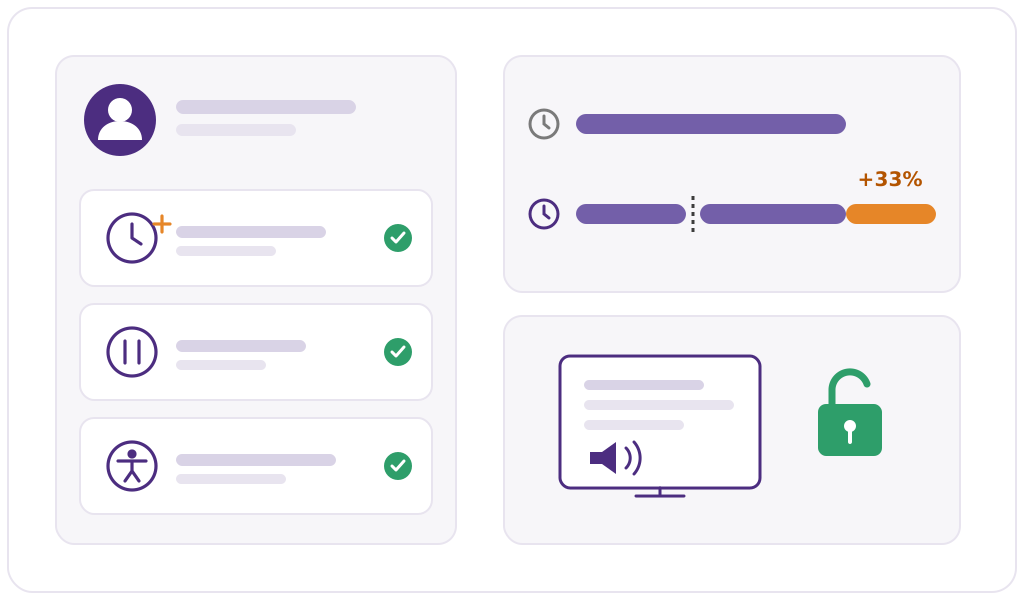
A student's accommodation profile: extra time, authorized breaks and assistive technology, with a screen reader that keeps working under lockdown

Accommodations

Set once per student, applied to every exam

Your accessibility service records the measures a student is entitled to. Examo applies them automatically, without the teacher having to remember.

  • Extra timeThe student's exam time is extended, and the proctor can add more during the exam.
  • Authorized breaksThe breaks the student is entitled to, built into their exam session.
  • Special conditionsSpecific conditions set for the student, applied alongside the exam's own rules.
  • Assistive technologyScreen readers, text-to-speech and writing-support software authorized for the student are not blocked by the exam lockdown.

Designed for everyone

Accessible by design, not by exception

Standard

WCAG 2.1 level AA

The Examo interface is designed to the Web Content Accessibility Guidelines 2.1, level AA.

Language

French and English

Interface, exam instructions, documentation and technical support in French, as well as in English.

Before exam day

A pre-check that lowers stress

Students test their camera, microphone and connection beforehand, so exam day starts with the exam, not with troubleshooting.

Equipment

The computer they already have

Windows or Mac, personal or provided by the institution. No extra hardware and no administrator rights.

Connectivity

Built for modest connections

No continuous high-speed connection required. Recordings travel in one-minute segments and catch up later if the network is weak.

Distance

No trip to campus

Continuing-education and regional students can take a supervised exam from home instead of travelling to a campus.

When something goes wrong

Technical problems don't cost a student their exam

  • If the connection drops, the exam and the recording continue on the computer and synchronize automatically when it comes back.
  • The student can carry on, or resume where they were.
  • The proctor can extend the student's time.
  • The access window and buffer period absorb the unexpected.
  • If sign-in fails, the proctor can issue a one-time access code.
  • Technical support is reachable by email and Microsoft Teams during service hours.

Bring your accessibility service to the demo

We'll set up a student with extra time, breaks and a screen reader, and run an exam with them.

Book a Demo
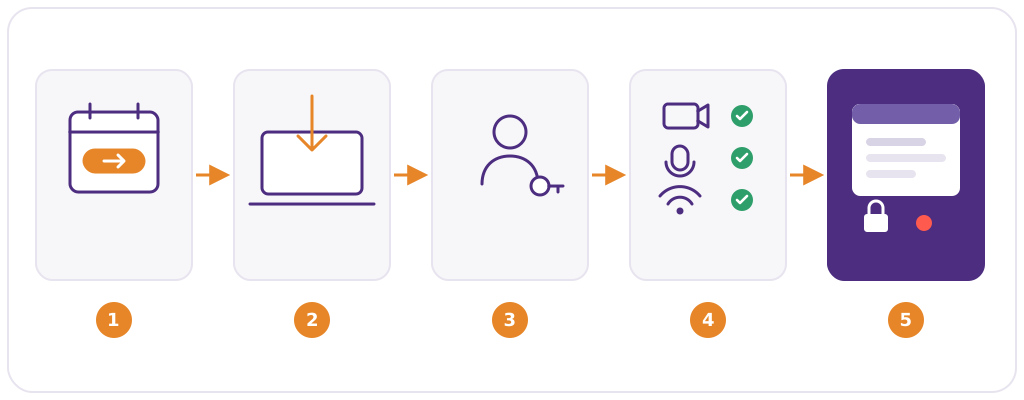
The student journey from exam link to exam